How eReadly RSS Delivery Works
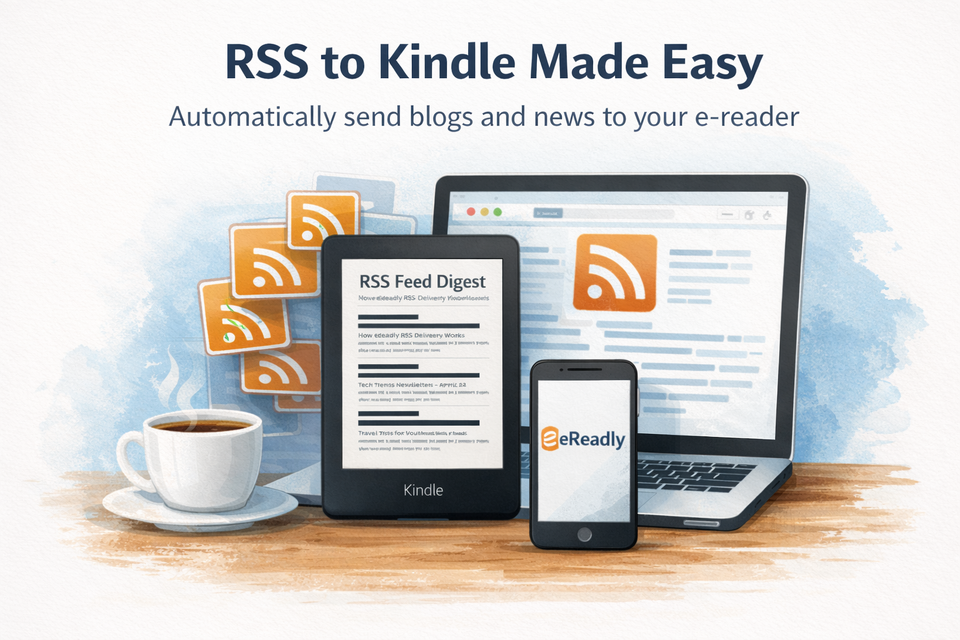
See how eReadly RSS delivery works so you can send fresh blog posts and news to Kindle automatically and create a calmer reading routine.
If you already use your Kindle or e-reader for books, it makes sense to use it for the web too. RSS delivery in eReadly lets you turn scattered reading into a clean, automatic routine. Instead of checking websites all day, you choose your feeds once, set a schedule, and let fresh articles arrive on your device in a calmer format.
That is the core idea behind eReadly RSS delivery: less inbox noise, fewer open tabs, and a better way to keep up with the writing that matters to you.
What eReadly RSS delivery means
Inside eReadly, RSS delivery is the feature that takes updates from your chosen websites and sends them to your Kindle or e-reader automatically. Rather than pushing you back into a browser full of ads, distractions, and sidebars, eReadly collects new posts from your selected feeds and packages them into a reading-friendly delivery.
That means you can subscribe to blogs, news sources, newsletters with public feeds, or niche publications, then receive those updates as clean reading content on your device.
In practical terms, eReadly RSS delivery helps you:
- follow sites you trust without revisiting them manually
- build a more intentional reading habit
- keep long-form reading off social feeds and browser tabs
- receive content in a format that feels like reading, not skimming
Who this feature is for
RSS delivery is especially useful for people who read regularly online but do not enjoy the experience of reading in a browser.
It is a strong fit for:
- Kindle readers who want articles delivered automatically
- Kobo, PocketBook, Onyx Boox, and reMarkable users building a quieter reading workflow
- researchers and professionals following industry blogs
- newsletter readers who prefer a backlog they can read later
- anyone trying to reduce digital noise without missing important updates
If you often save articles “for later” and never return to them, RSS delivery gives those articles a better destination.
How to set up feeds step by step
Getting started is simple. Once your e-reader is connected to eReadly, you can begin building your feed list.
1. Open RSS delivery in eReadly
Go to your eReadly account and open the RSS or magazine section where feeds are managed.
2. Add a feed URL
Paste in the RSS feed link for the site you want to follow. This could be a blog, publication, or another source that publishes a valid feed.
3. Choose your delivery schedule
Pick how often you want that feed delivered. Depending on how you read, this might be daily or weekly.
4. Save and let eReadly handle the rest
Once saved, eReadly checks for new content, compiles fresh items, and sends them to your selected device in a clean reading format.
5. Adjust over time
As your reading habits change, you can refine your setup by removing feeds, changing frequency, or adding new sources.
The best setup is usually not the biggest one. It is the one you will actually enjoy reading.
Tips for choosing the right feed frequency
The right schedule depends on the type of content and how often you realistically read on your device.
Use daily delivery for:
- fast-moving news
- high-value niche reporting
- blogs you never want to fall behind on
Use weekly delivery for:
- slower publication schedules
- essays and long-form writing
- newsletters and thoughtful commentary
- hobby or interest-based reading
A good rule is this: match frequency to reading energy, not just publishing volume.
If a source publishes ten times a day but you only sit down for focused reading twice a week, weekly delivery may actually serve you better.
Best use cases for eReadly RSS delivery
One of the strengths of eReadly RSS delivery is how flexible it is. You can shape it around the kind of reading you want more of.
Blogs
Follow personal blogs, company blogs, and independent writers without needing to remember to check each site manually. This is perfect for readers who want depth without the distraction of social media timelines.
News
For niche news and specialist coverage, RSS delivery can be far more manageable than constantly refreshing websites. You get the updates in batches, ready to read when you are.
Newsletters
Some newsletters and publications offer public RSS feeds. When they do, eReadly can help move that content out of your inbox and onto your e-reader, where it is easier to read with focus.
Research and learning
If you are studying a topic over time, RSS delivery creates a passive intake system. Add a few strong sources, set a sane cadence, and let useful reading accumulate in one place.
How to avoid overwhelming your Kindle queue
The biggest mistake with RSS is not the technology. It is subscribing to too much.
To keep your queue useful, start small. Choose a handful of feeds you genuinely care about and let the system prove itself before expanding. A clean queue is more motivating than an endless one.
Here are a few habits that help:
- begin with three to five feeds, not thirty
- mix high-frequency sources with slower ones
- remove feeds that you consistently ignore
- choose weekly delivery for lower-priority reading
- separate “must read” from “nice to have” sources
Think of your Kindle like a reading desk, not a dumping ground. The goal is not maximum input. The goal is a reading routine you can keep.
A calmer way to keep up
The web is great at publishing more, faster, and louder. Your e-reader is great at the opposite. It gives you space to pay attention.
eReadly RSS delivery connects those two worlds. You still get fresh posts, timely updates, and useful writing, but in a format that feels deliberate instead of chaotic. That makes it easier to stay informed without feeling constantly interrupted.
If you want your favorite blogs, niche news, and selected feeds to arrive automatically in a cleaner format, eReadly gives you a simple way to make that happen.
Try eReadly and turn RSS into a calmer reading routine on your Kindle or e-reader.